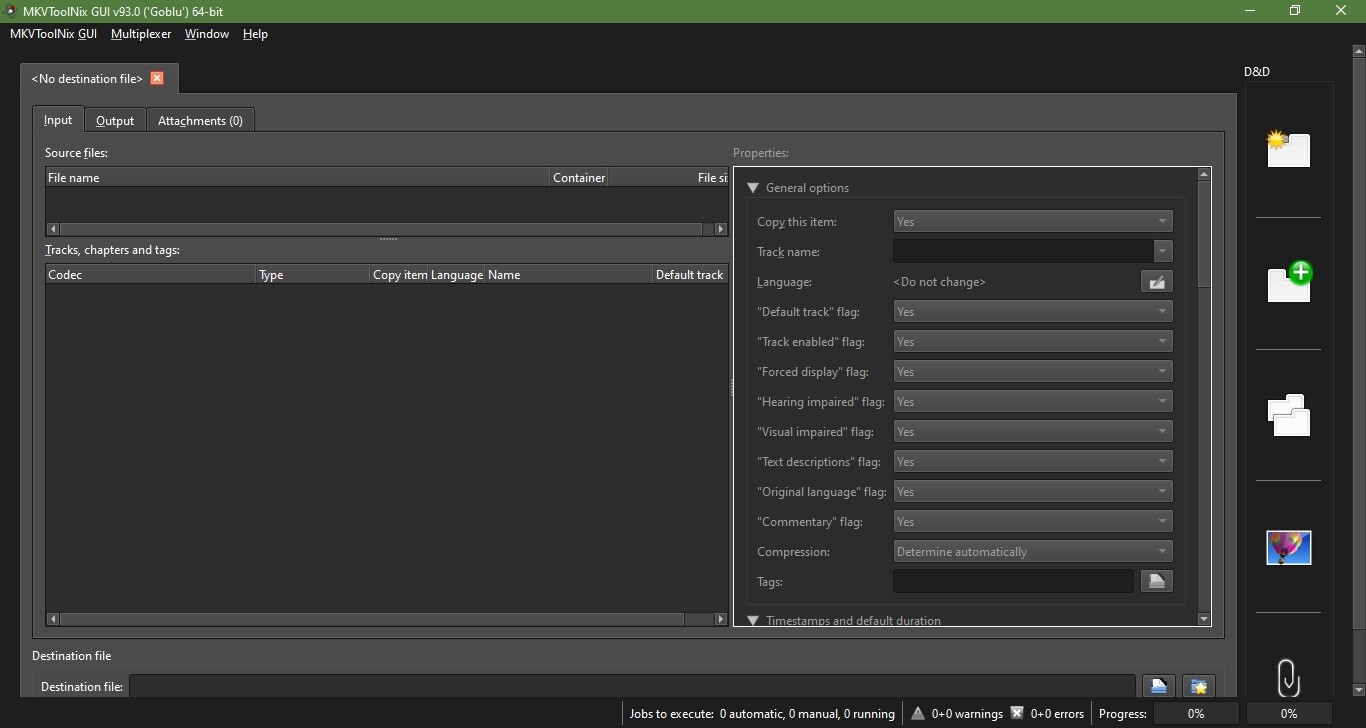
After many years of using MKVToolNix I’m stumped. Randomly a panel has appeared on the right side of the GUI for drag and drop, it’s marked D&D. I don’t know how I opened it, and I can’t find any setting or documentation for it. Can someone please enlighten me as to how I can close/disable it?
Welcome!
It’s a panel that allows direct action on files dropped on each panel without the need for the intermediate dialog.
You can disable it in the preferences → “Multiplexer” → “Show special drag and drop zones”.
Thank you twice neighbor.